AirDrop-Style File Sharing That Works Everywhere
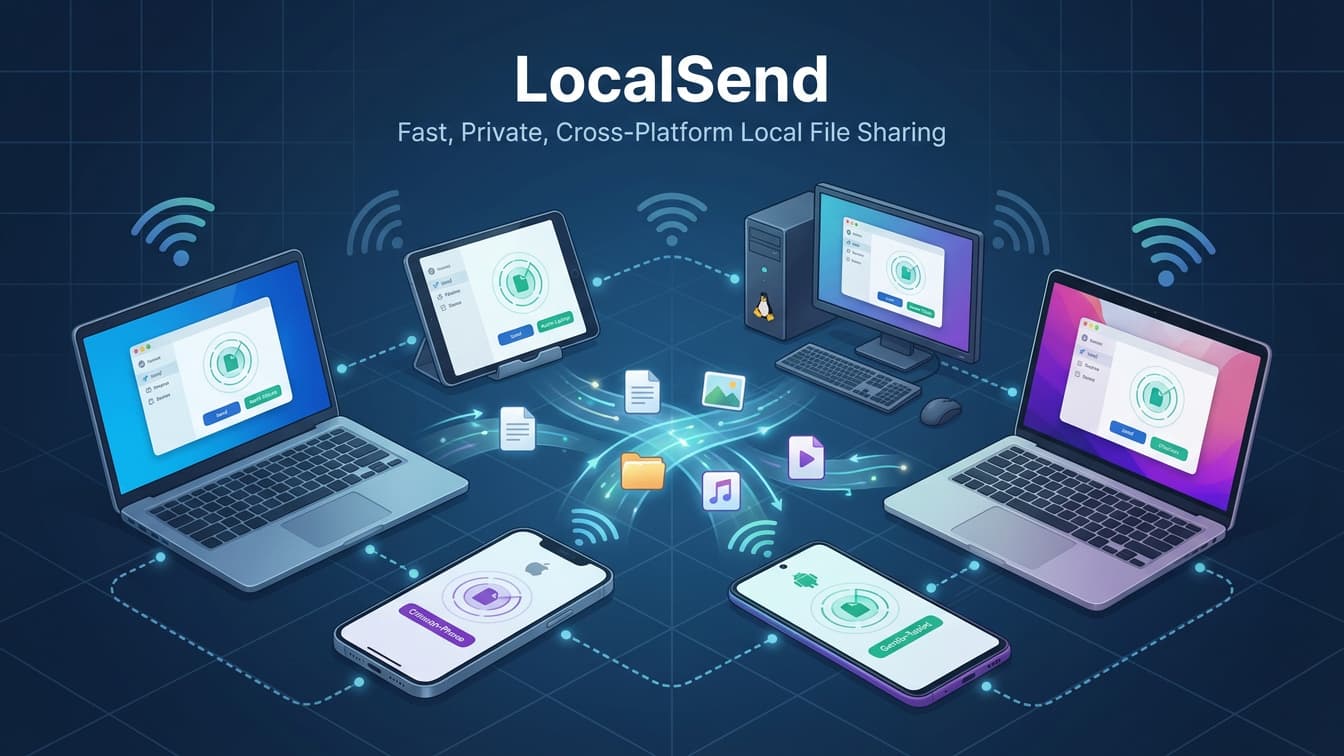
LocalSend: AirDrop-Style File Sharing That Works Everywhere Without the Cloud
Moving files between your phone and computer still feels oddly clunky in 2026. If you live inside a single ecosystem—say, all Apple devices—AirDrop makes it effortless. The moment you mix a Windows PC, a Linux laptop, an Android phone, and an iPhone on the same desk, friction creeps in: emailing yourself attachments, plugging in cables, or uploading multi-gigabyte video clips to a cloud drive just to download them seconds later.
That is the problem LocalSend (localsend.org) was built to solve. It is a free, open-source cross-platform file-sharing app that lets you send files, folders, text snippets, and clipboard items to nearby devices over your local Wi-Fi network—without an internet connection, user accounts, or external servers.
Why LocalSend Stands Out
Plenty of tools promise quick transfers, but most come with a catch: file size caps, mandatory logins, subscription paywalls, or data passing through third-party infrastructure. LocalSend takes a refreshingly direct approach:
- True Cross-Platform Support: Available natively on Windows, macOS, Linux, Android, and iOS, making it easy to move files between operating systems that normally don't play nicely together.
- Works Offline Over Your Local Network: Because transfers happen directly across your local network rather than the public internet, your files never touch external servers—and you can still move data even when your internet connection is down or restricted.
- Full Wi-Fi Speeds: Without cloud bottlenecks or bandwidth throttling, transfers run at the speed your local network supports.
- End-to-End Encrypted: Devices communicate over HTTPS using dynamically generated TLS/SSL certificates, keeping local transfers protected.
- Zero Ads, Trackers, or Accounts: Open-source and community-driven (with over 93k GitHub stars and tens of millions of downloads), it skips accounts, logins, and ad tracking altogether.
Everyday Ways to Use It
LocalSend shines in small, repetitive workflows that used to eat up time:
- Phone-to-PC Photo & Video Dumps: Shoot raw photos or 4K clips on your phone and beam them straight to your desktop or laptop over Wi-Fi without waiting for cloud sync.
- Quick Text & Link Handoffs: Need a URL, snippet, or note from your phone on your computer right now? LocalSend supports sending plain text and clipboard contents alongside files and folders.
- Collaborating on the Same Network: Passing large project assets or documents to teammates in the same room or office without uploading to a shared drive first.
- Power-User & Terminal Workflows: Alongside its clean graphical interface, LocalSend offers a command-line interface (
localsend-cli) for sending files, directories, or text directly from the terminal.
Getting Started in Minutes
Setting up LocalSend takes very little effort:
- Install on both devices: Grab the app from localsend.org (or your platform's app store/package manager) on the sending and receiving devices.
- Connect to the same local network: Keep both devices on the same Wi-Fi/local network and leave the app open on the receiving side.
- Pick what you want to send: Choose files, folders, text, or pasted clipboard items, tap the target device, and accept the transfer.
(Tip: If a device doesn't show up automatically due to strict network or firewall rules, you can enter the target device's IP address manually or check firewall permissions on LocalSend's port 53317.)
The Bottom Line
If you switch between operating systems or simply dislike routing every quick file transfer through cloud storage, LocalSend is one of the easiest quality-of-life upgrades you can install. It does one job—moving files and messages locally across devices—without bloat, lock-in, or fuss.
Links
- Donations
- DMS International
- BLOG
- Sathero Meters
- Ivy Stone Place
- Netflix Hidden Codes
- Free business software
Unique Gifts
Check out the unusual items on Ivy Stone Place
Free Satellite List
The free satellite list brought to you by Ivy Stone Place and our generous contributors and sponsors.
Attention Bloggers
Attention bloggers & website owners, follow.it is in your interest. You will get many more recurring visitors with follow.it.
Check it out here Follow it.
VA RESOURCES
- For any questions or requests,1-800-MyVA411 (1-800-698-2411) is always the right number.
- Veterans Crisis Line: 988 and press 1 , Chat, or Text 838255
- Vet Centers: 1-877-927-8387
- Homeless Veteran Resources: 1-877-424-3838 or Chat
- Ask VA
- Schedule a 1-on-1 Appointment with a VA Benefits Expert
- Find a VA facility near you
For non-urgent questions, you can reach VA using the VA Health & Benefits App or MyHealtheVet secure messaging to schedule an appointment, refill prescriptions, and access your medical records.

Comments
Post a Comment