Why 2FAS is the Ultimate Authenticator App
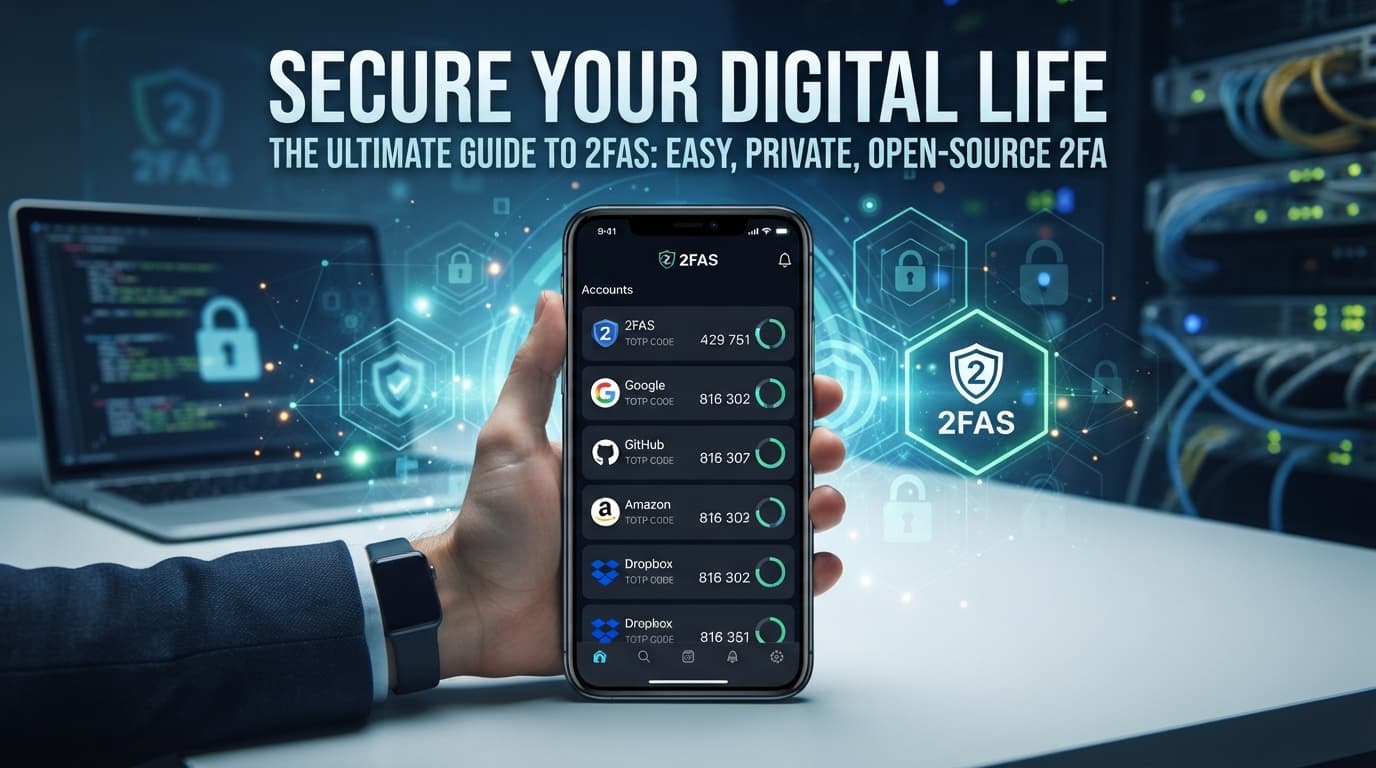
Secure Your Digital Life Without the Hassle: Why 2FAS is the Ultimate Authenticator App
In today's digital landscape, relying on a password alone is like locking your front door while leaving your windows wide open. With data breaches and credential stuffing attacks happening on a regular basis, Two-Factor Authentication (2FA) is no longer optional—it's an absolute necessity.
If you've been searching for a reliable, private, and user-friendly way to manage your Time-based One-time Passwords (TOTP), look no further than 2FAS.
Here is a breakdown of why 2FAS has quickly become a favorite in the cybersecurity community and why it might just be the best authenticator app for your digital setup.
What Makes 2FAS Stand Out?
There are plenty of authenticator apps out there, from Google Authenticator to Microsoft Authenticator. However, many of them lock you into closed ecosystems, lack essential backup features, or require unnecessary accounts. 2FAS takes a refreshing approach by blending top-tier security with ultimate user convenience.
1. 100% Free and Open-Source
One of the most appealing aspects of 2FAS is that it is entirely free to use with no hidden subscription fees or annoying ads. Better yet, it is open-source and transparent. This means the code is publicly available for security experts to audit, ensuring there are no hidden backdoors or shady data-harvesting practices.
2. Privacy First (No Account Required)
Unlike some competitors, 2FAS doesn't force you to create a proprietary account just to manage your security codes. You can download the app and start adding your services anonymously. It doesn't store your passwords or metadata; it simply holds the keys to your second layer of defense.
3. Seamless Backups You Control
Losing a phone with your authenticator app used to be a digital nightmare, often resulting in being locked out of dozens of accounts. 2FAS solves this elegantly by allowing you to back up your tokens safely. You can choose to back them up via your personal cloud storage (like Google Drive or iCloud) protected by a dedicated encryption password, or export manual file backups. You stay in total control of your encryption keys.
4. Biometric Protection & Customization
To keep local snoopers at bay, you can lock the 2FAS app using your device's biometrics (Face ID / Fingerprint) or a custom PIN. Once inside, the app allows you to organize your tokens with custom icons, labels, and groups, making it easy to sort dozens of accounts alphabetically or by category.
5. Browser Extension Integration
Typing 6-digit codes manually from your phone can sometimes feel tedious. 2FAS bridges this gap with its handy Browser Extension. It allows for smooth, one-tap authentication directly from your desktop browser, dramatically speeding up your daily login workflow without sacrificing security.
How to Get Started
Getting started with 2FAS takes less than five minutes:
- Download the App: Head over to 2FAS or your mobile device's app store (available for both iOS and Android).
- Enable 2FA on Your Accounts: Go to the security settings of your favorite services (email, social media, banking, password managers) and choose to set up an authenticator app.
- Scan the QR Code: Open 2FAS, tap to add a new service, and scan the QR code provided by the website.
- Secure Your Backups: Head into the app settings, configure a secure cloud or manual file backup, and set up biometric locking.
Final Thoughts
Security tools are only as good as their usability—if an app is too complicated, people simply won't use it. 2FAS strikes the absolute sweet spot. It offers advanced security features, open-source transparency, and cross-device syncing wrapped in a clean, modern, and intuitive interface.
If you're still relying on SMS-based verification (which is vulnerable to SIM-swapping) or juggling a clunky authenticator, give 2FAS a try. Your digital self will thank you.
Links
- Donations
- DMS International
- BLOG
- Sathero Meters
- Ivy Stone Place
- Netflix Hidden Codes
- Free business software
Free Satellite List
The free satellite list brought to you by Ivy Stone Place and our generous contributors and sponsors.
Attention Bloggers
Attention bloggers & website owners, follow.it is in your interest. You will get many more recurring visitors with follow.it.
Check it out here Follow it.
VA RESOURCES
- For any questions or requests,1-800-MyVA411 (1-800-698-2411) is always the right number.
- Veterans Crisis Line: 988 and press 1 , Chat, or Text 838255
- Vet Centers: 1-877-927-8387
- Homeless Veteran Resources: 1-877-424-3838 or Chat
- Ask VA
- Schedule a 1-on-1 Appointment with a VA Benefits Expert
- Find a VA facility near you
For non-urgent questions, you can reach VA using the VA Health & Benefits App or MyHealtheVet secure messaging to schedule an appointment, refill prescriptions, and access your medical records.


Comments
Post a Comment