BentoPDF Privacy-First PDF Toolkit
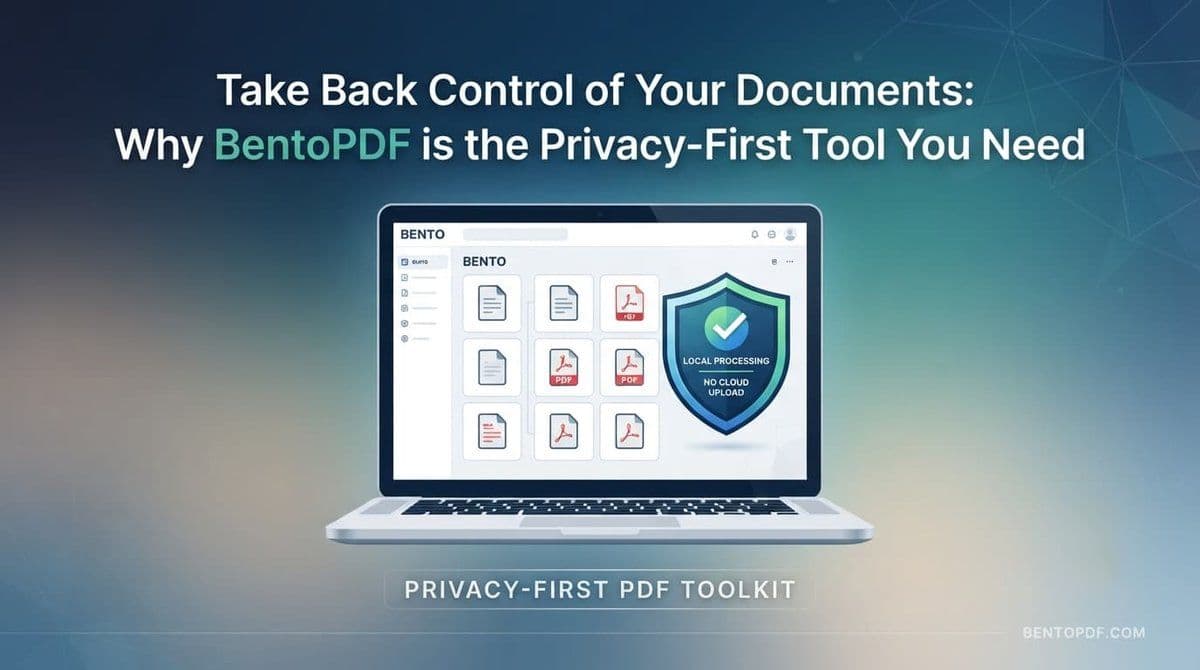
Why BentoPDF is the PDF Toolkit You've Been Waiting For
If you've ever needed to merge a few documents, compress a massive file, or redact sensitive information from a PDF, you've likely turned to an online PDF tool. But there's always that nagging question: “Is my document safe once I upload it to their server?”
For many of us, especially when dealing with financial records, legal contracts, or confidential work documents, the answer is "I hope so," which isn't quite good enough.
Enter BentoPDF—a game-changer in the world of document management that puts your privacy at the absolute center of the experience.
What is BentoPDF?
BentoPDF is a comprehensive, client-side PDF toolkit that runs entirely in your browser. Unlike traditional online tools that require you to upload your files to a cloud server for processing, BentoPDF performs all the heavy lifting locally on your own machine.
Your files never leave your computer. When you merge, split, or convert a PDF, the processing happens in your browser's memory, ensuring that your data stays strictly within your control.
Why You'll Love It
1. Uncompromising Privacy
Because it's a client-side application, BentoPDF eliminates the risk of your sensitive documents being stored, scanned, or analyzed by third-party servers. It is the perfect solution for privacy-conscious individuals and professionals who handle confidential data.
2. No Limits, No Sign-ups
Many "free" online PDF editors hit you with paywalls, daily file limits, or annoying watermarks once you finish your work. BentoPDF is open-source and free to use. There are no sign-ups, no accounts to create, and no intrusive watermarks on your finished files.
3. A Massive Feature Set
Don't let the "simple" browser-based nature fool you; this tool is powerful. BentoPDF offers an extensive suite of features, including:
- Essential Management: Merge, split, rotate, and reorder pages with easy drag-and-drop.
- Conversion: Transform images to PDFs, or export pages into common image formats.
- Advanced Editing: Add watermarks, headers, footers, and custom page numbers.
- Security: Password-protect your files, encrypt sensitive data, or remove existing restrictions.
- OCR (Optical Character Recognition): Scan image-based PDFs and turn them into searchable, editable text.
- Form Building: Create professional, fillable PDF forms directly in your browser.
4. Total Control for Power Users
If you're a developer or a tech enthusiast, you'll appreciate that BentoPDF is self-hostable. You can run it on your own server or via Docker, giving you a dedicated, air-gapped instance that you manage entirely.
Who is it for?
Whether you are a student consolidating research papers, a remote worker needing to quickly sign and return a contract, or a business professional dealing with sensitive client data, BentoPDF provides a secure and efficient environment to get the job done.
The Bottom Line
In an era where data privacy is more important than ever, BentoPDF stands out by providing professional-grade tools without the "cloud-upload" compromise. It's fast, it's secure, and it's completely free.
Ready to take control of your documents? Give it a try at www.bentopdf.com and see how much easier (and safer) managing your PDFs can be.
Links
- Donations
- DMS International
- BLOG
- Sathero Meters
- Ivy Stone Place
- Netflix Hidden Codes
- Free business software
- Fast Loading Websites
- Digital Business Cards
The free satellite list brought to you by Ivy Stone Place and our generous contributors and sponsors.
Attention bloggers & website owners, follow.it is in your interest. You will get many more recurring visitors with follow.it.
Check it out here Follow it.
VA RESOURCES
- For any questions or requests,1-800-MyVA411 (1-800-698-2411) is always the right number.
- Veterans Crisis Line: 988 and press 1 , Chat, or Text 838255
- Vet Centers: 1-877-927-8387
- Homeless Veteran Resources: 1-877-424-3838 or Chat
- Ask VA
- Schedule a 1-on-1 Appointment with a VA Benefits Expert
- Find a VA facility near you
For non-urgent questions, you can reach VA using the VA Health & Benefits App or MyHealtheVet secure messaging to schedule an appointment, refill prescriptions, and access your medical records.

Comments
Post a Comment